Senova
New Producer cuts multi-scene films from one brief

Cinematic video and images from a single prompt.

Senova is one studio for the whole pipeline — stills, motion, voice, music and the cut. Pick the model by name, see the credit price before you render, and get finished footage instead of a research demo.

250 credits free to start No card required A quote before every render Yours to use commercially

senova.studio/studio
A slow orbit around a matte-black car on a wet studio floor, generated in Senova
Generated in Senova · Kling 2.6 Pro

Made in Senova

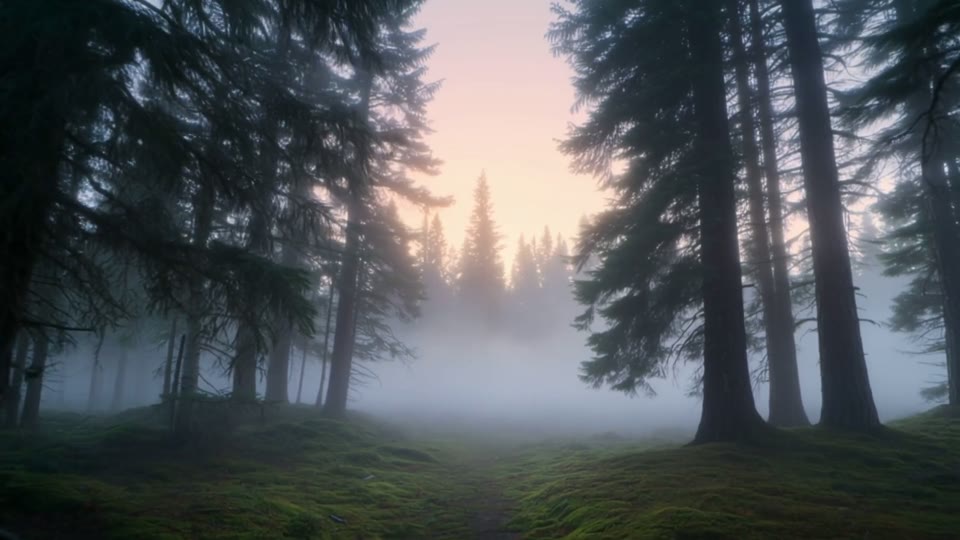
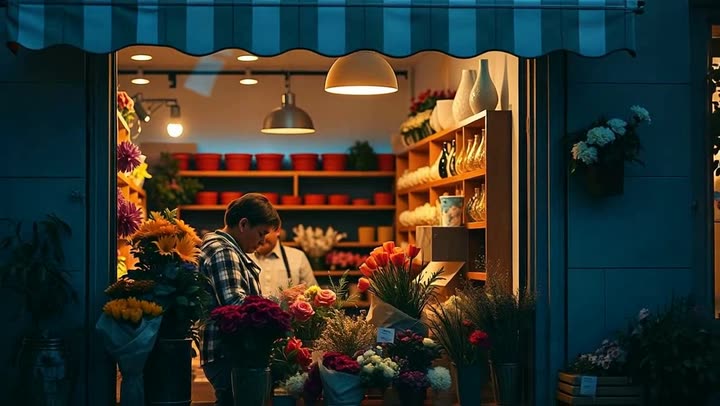
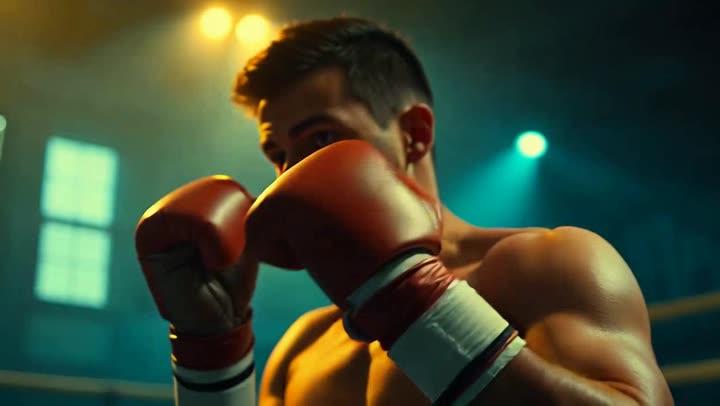
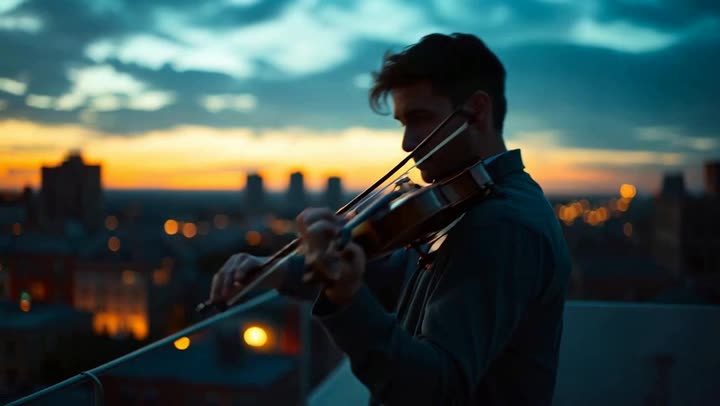
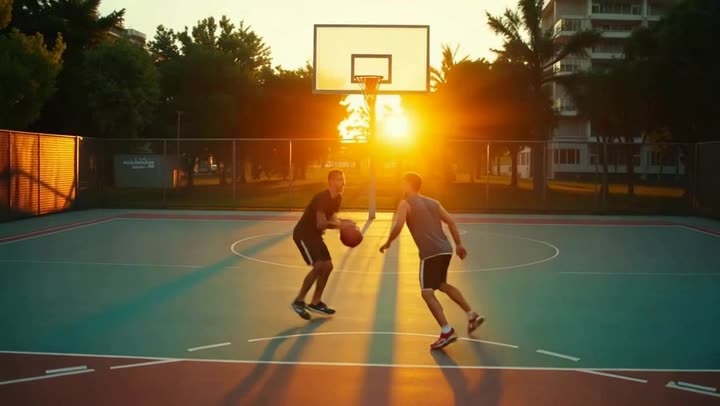
Every frame below came out of the studio.

No stock, no mock-ups. These are real generations — stills and camera moves rendered on the same models you get on day one.

The studio

Everything a finished piece needs, in one place.

Most tools stop at a clip. Senova carries a brief all the way to a cut film — scenes, cast, camera, brand, captions and the post.

Producer

Describe the film. Get every scene.

Write one brief and Producer breaks it into a storyboard of beats, drafts a keyframe per shot, renders each one, and cuts them together with a score. You can edit any beat before a single credit is spent.

  • Three tabs over one board — Brief, Shots, Premiere.
  • Keyframe chaining holds your product across every shot.
  • The film total is quoted up front — the charge matches it.
Open Producer
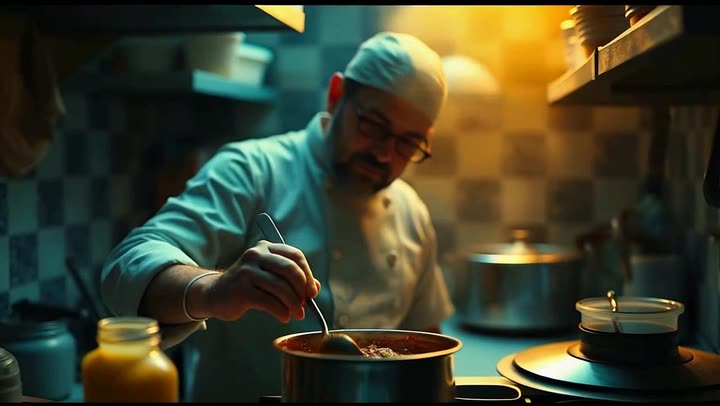
Opening shot of a generated multi-scene film
Beat 01 · Pull out
Second beat of the film02
Third beat of the film03
Closing beat of the film04

Storyboard → premiere4 beats · scored · one quote

Model lineup

The frontier models, called by name.

Kling, Veo, Seedance, Hailuo, LTX-2 for motion. Nano Banana Pro, FLUX.2, Seedream 4.5 and Ideogram for stills. You choose the one you want and Senova runs exactly that — nothing is quietly substituted for something cheaper.

  • Same prompt, side-by-side, so you can pick the look.
  • Every model carries its own printed credit price.
  • Text-to-video, image-to-video, edit and upscale in one place.
See the lineup
A still generated with Nano Banana Pro

Nano Banana Pro

A still generated with Seedream 4.5

Seedream 4.5

A still generated with Ideogram 4

Ideogram 4

One prompt, three modelsyou pick, we don't swap

Camera controls

Direct the shot, not just the subject.

Pick a named move per shot — orbit, dolly in, push in, crane up, tilt down, pull out, whip pan, handheld — and Senova sends the model the camera language it actually understands, instead of hoping a loose prompt lands.

  • A preset library grouped by family: push, orbit, crane, reveal.
  • Set it per shot — a film can change lens language beat to beat.
  • Changing the move re-quotes before it re-renders.
Orbit camera moveORBIT
Crane-up camera moveCRANE UP
Whip-pan camera moveWHIP PAN
Dolly-in camera moveDOLLY IN

Named moves13 presets · per shot

Character library

Save a face once. Cast it in everything.

Give a character a name, a description and a reference frame, and they hold across every shot in a film — and across the next film too. No re-describing your founder in fourteen prompts and hoping.

  • Reuses the reference you already paid for — no re-buy.
  • Cast from the Producer brief in one click.
  • Same identity anchor feeds every downstream shot.
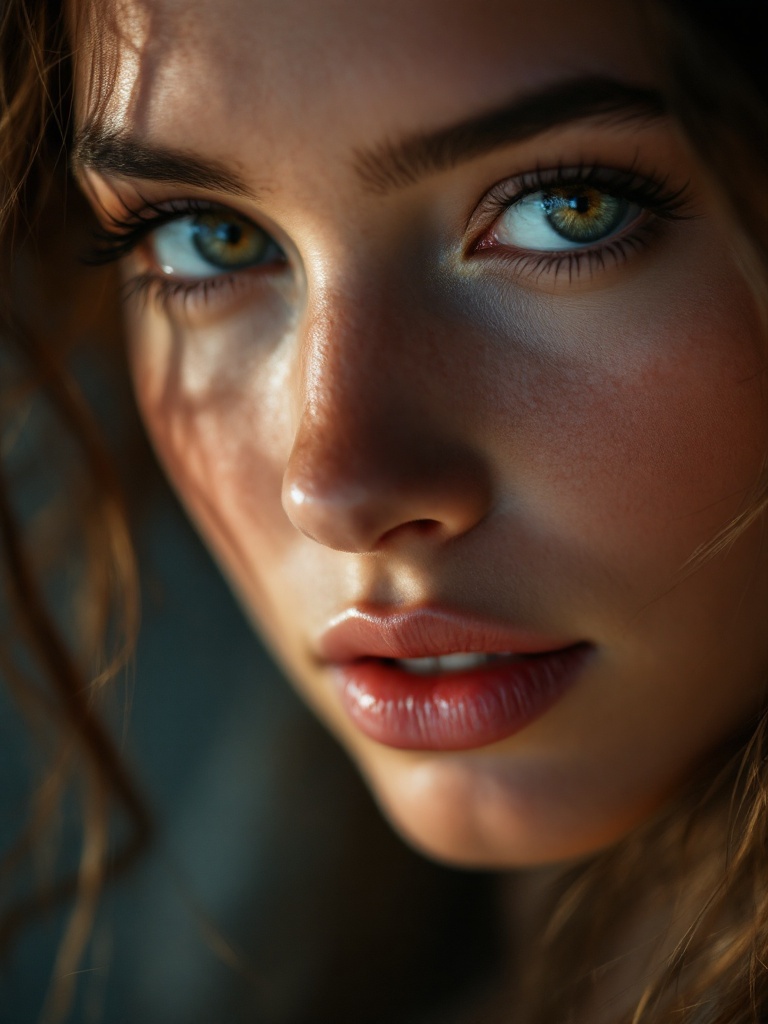
Saved character — signature portrait
SignatureCast · 12 shots
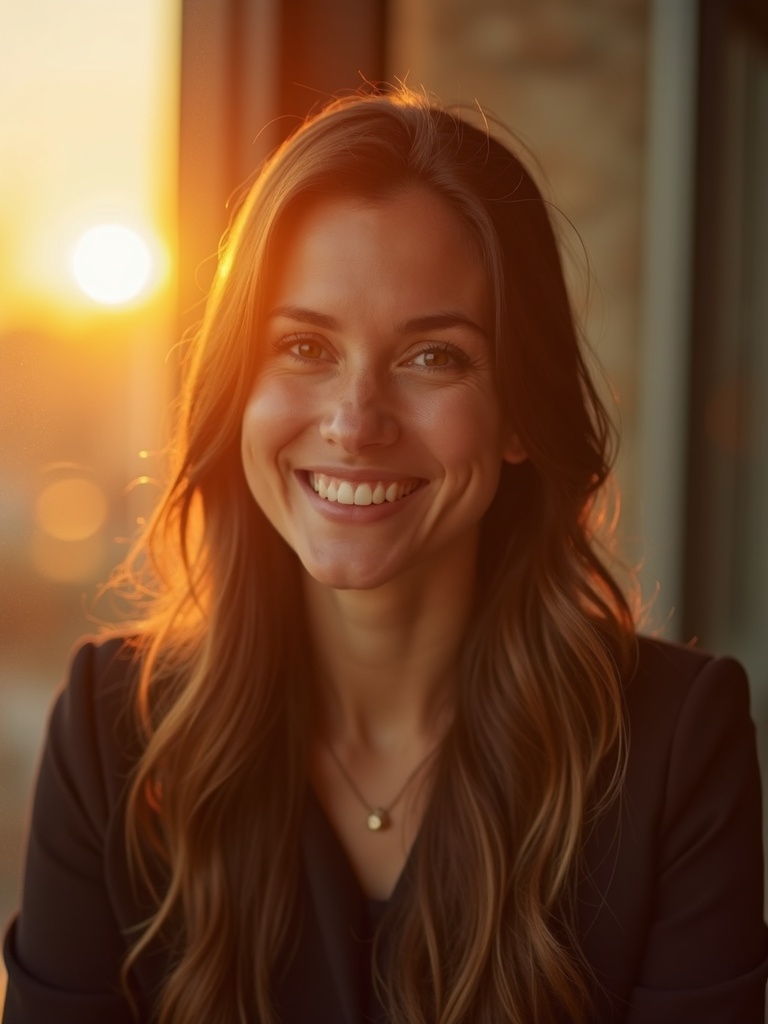
Saved character — founder portrait
FounderCast · 6 shots
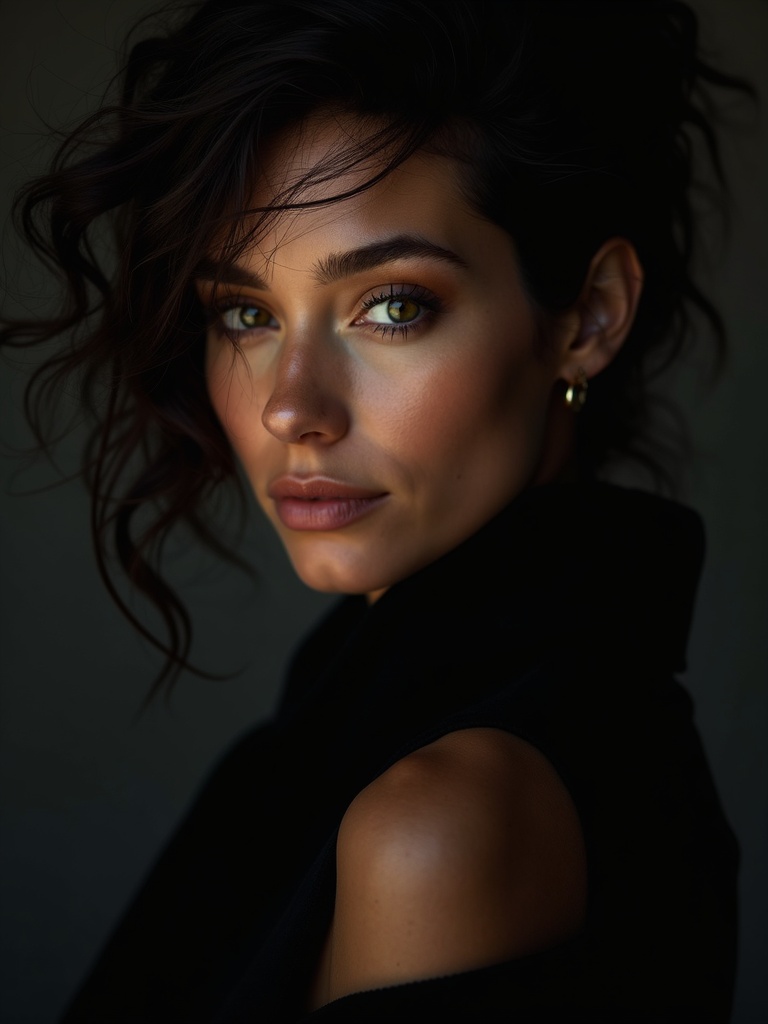
Saved character — editorial portrait
EditorialCast · 9 shots

Your castsaved once · reused everywhere

Brand kit

Your palette, your logo, on every film.

Store a logo, a colour palette and a typeface once. Turn the kit on for a film and the palette steers the grade while your mark lands on the end card — automatically, on every render.

  • Per-account kit — set it once, apply per film.
  • Palette shapes the look without re-buying keyframes.
  • The logo end card costs nothing extra.
A branded product film frame
A second branded product frame in the same palette
Logo · end card Palette · 5 Type · Archivo

One kitapplied per film

On-screen captions

Burned-in captions, sized for the feed.

Add word-pop captions or a lower third to any finished clip or film. They're rendered inside the 9:16 safe zone so nothing collides with a platform's UI — and captioning an existing asset doesn't cost a credit.

  • Word-pop or lower-third styles.
  • Vertical safe-zone aware, so text never gets covered.
  • Captioning is free — it saves as a new asset, original intact.
A clip with burned-in word-pop captions

Captions$0 · new asset, original kept

Social publishing

From the studio to the feed.

Connect Instagram and Facebook once and publish a finished vertical straight from the asset card — caption written, aspect already correct. No export, no re-upload, no second tool.

  • Publish 9:16 reels without leaving Senova.
  • Connection status is shown honestly — never a fake success.
  • Publishing itself is free; you only pay to generate.
A vertical 9:16 reel ready to publish9:16
A second vertical 9:16 reel ready to publish9:16

Instagram & Facebookpublish from the card

Powered by

One account. Every model worth using.

Senova runs the frontier image, video and audio models behind a single balance — so you never juggle four subscriptions to finish one spot.

Kling 2.6 Provideo · t2v + i2v
Kling 3.0video · flagship
Veo 3.1video · native audio
Seedance 2.0video · reference
Hailuo 2.3video · fast i2v
LTX-2video · up to 20s
Nano Banana Proimage · flagship
FLUX.2 proimage · premium
Seedream 4.5image · photoreal
Ideogram 4image · typography
ElevenLabs v3audio · voice
Lyria 2audio · score

Model availability is set in the studio's model picker and shown with its credit price before you render.

Questions

The things worth knowing first.

How does pricing work?

Everything is priced in credits, and the price of an action is printed before you press go — a standard image is 20 credits, and the cheapest video is from 10 credits. Here is the whole table, live from the same source the studio charges against:

Director replyAsk the Director anything about your film — an answer, an opinion, hooks and angles. Editing the film is free; the answer is what costs.8 credits
Draft imageFast iteration. Use it to find the shot, then finish it.10 credits
Find a region in a frameName a region in plain English and see exactly what will be edited, before anything is.10 credits
Motion testA 5-second look at the move. Preview only — not exportable.10 credits
Sound effectA short sound effect from a description — whooshes, impacts, ambience.10 cr · 10s
20 cr · 22s
Sound designGive a clip a synchronized soundtrack — frame-aware foley and ambience.10 cr · 10s
10 cr · 20s
20 cr · 30s
Standard imageThe everyday photograph.20 credits
Typography & designLegible words in the picture — logos, posters, signage.20 credits
Nano BananaGoogle's photoreal image model — natural light, faithful detail.20 credits
Seedream 4.5ByteDance Seedream — crisp, high-realism photography.20 credits
Clone a voiceTurn a short sample of your own voice into a reusable narrator — used across your films.20 credits
Premium imageHigher fidelity, better hands, cleaner light.30 credits
Image edit (Nano Banana 2)Reference edits at draft cost — routine keyframe edits.30 credits
Nano Banana 2Next-gen Nano Banana image model.30 credits
Lip-syncMake an existing clip say your words — audio-driven lip-sync.30 cr · 5s
60 cr · 10s
Draft · fastCheapest motion from a still — for finding the shot, not for finishing it.40 credits
Upscale to 1080pSharpen and upscale an existing clip to crisp 1080p.40 cr · 5s
80 cr · 10s
150 cr · 20s
MusicAn instrumental track from a description — up to ~30 seconds.40 credits
Singing voiceA sung vocal in a style you describe — genre, era, voice, mood — with your own lyrics. Original styles only, never a named artist.40 credits
Film planPlan the whole film from your brief — scenes, beats and the style bible (the director LLM).50 credits
Best imageThe flagship. Complex briefs, many constraints, text in scene.60 credits
Image edit with referencesUp to 14 reference images — brand shots, character consistency.60 credits
Region edit (still)Edit only the named region — every pixel outside it is byte-identical.60 credits
Nano Banana ProTop-realism flagship (Gemini 3 Pro Image) — the hardest briefs, text in scene.60 credits
Math explainerDescribe a concept — a function, a construction, an equation being rearranged — and get an animated explainer.60 credits
Product animationYour product, moving — an interface building itself, a flow, a dashboard filling in. Rendered on our own machines.60 credits
Standard videoFast and cheap, 1080p with sound — the only tier that reaches 20s. Softer, and it follows the prompt loosely.90 cr · 6s
150 cr · 10s
300 cr · 20s
Animate a stillBring one of your images to life.90 cr · 6s
150 cr · 10s
Motion video768p motion with start & end frames.100 cr · 6s
170 cr · 10s
Lip-sync (premium)The premium lip-sync rung — higher fidelity mouth tracking.100 cr · 5s
190 cr · 10s
Cinematic videoThe good camera (Kling 2.6 Pro).130 cr · 5s
260 cr · 10s
Cinematic camera (PixVerse V6)Director camera moves — dolly-zoom, orbit, crane, FPV, rack focus.130 cr · 5s
210 cr · 8s
260 cr · 10s
Animate (WAN 2.2)Move or replace — drive your anchored person with a reference motion clip.130 cr · 5s
260 cr · 10s
GPT Image 2OpenAI's image model — strong prompt-following and text.150 credits
Upscale to 4KUpscale an existing clip to true 4K.150 cr · 5s
300 cr · 10s
590 cr · 20s
3D modelTurn one photo into a 3D model you can preview, download and print — GLB, OBJ and STL.150 credits
Flagship cinematic (Kling 3.0)Kling 3.0 Standard — start+end frame, multi-shot, up to 15s.100 cr · 3s
160 cr · 5s
250 cr · 8s
310 cr · 10s
460 cr · 15s
HD motion1080p realistic motion.180 credits
Extend a clipContinue an existing clip — add 5 or 10 more seconds.190 cr · 5s
370 cr · 10s
Motion Control (Kling 2.6)Apply a reference dance move to your locked person — motion transfer, not freeform prompting.190 cr · 5s
380 cr · 10s
Premium cinematicMulti-shot cinematic with start+end frames.210 cr · 5s
410 cr · 10s
Max realism (Kling V3 Pro)The top tier — 1080p, multi-shot, up to 15 seconds.210 cr · 5s
410 cr · 10s
610 cr · 15s
Premium cinematic + soundMulti-shot cinematic with native audio.260 cr · 5s
510 cr · 10s
Talking characterA portrait speaks — one call from a face and your script.300 cr · 5s
590 cr · 10s
LTX 2.3 in 4KLTX 2.3 rendered natively at 2160p.350 credits
Ensemble (Seedance 2.0)Up to 9 reference images, real physics, native audio — the ensemble tier.440 cr · 5s
880 cr · 10s
Hero (Veo 3.1)Google Veo 3.1 — the flagship look.590 credits
Live sessionRecord with the change already in frame. You pick the length and pay for it up front — the meter counts down, it stops itself, and unused seconds come back.600 cr · 30s
1200 cr · 60s
2400 cr · 120s
Hero 4K (Veo 3.1)Google Veo 3.1 in native 4K — the flagship, at full resolution.1170 credits
Extend (Veo 3.1)Extend a clip on the Veo 3.1 hero model.1170 credits
VoiceoverStudio narration from text — emotion tags and word-level timing.20 credits
Voiceover in your voiceNarration in a cloned voice, in the language you choose — the same voice across every film.60 credits

New accounts start with 250 credits and no card. Pro is $29/month for 5,000 credits, Team is $79/month for 20,000 credits, and you can top up in any month without changing plan. Purchased top-up credits don't expire.

Which models can I actually use?

For video: Kling 2.6 Pro and Kling 3.0, Veo 3.1, Seedance 2.0, the Hailuo 2.3 family and LTX-2 for longer takes. For stills: Nano Banana Pro, Nano Banana, FLUX.2 (dev and pro), Seedream 4.5 and Ideogram 4 for typography. For sound: ElevenLabs v3 voices, Lyria 2 scoring and MMAudio for effects.

You choose the model by name in the picker. Senova runs the one you picked — if a model is unavailable you're told, not silently downgraded to something cheaper.

Can I use what I make commercially?

Yes. Output you generate on a paid or free plan is yours to use in your own marketing, ads and client work, subject to the Terms and the Acceptable Use Policy. There's no Senova watermark on your renders.

A few models carry their own provider conditions — most notably Google's image models, which embed an invisible SynthID watermark. Anything with a restriction is labelled in the picker before you spend a credit.

How does a film actually get made?

You write a brief. Producer turns it into a storyboard of beats, and you edit any beat — the line, the camera move, the length, the cast — before anything renders. Then it generates a keyframe per shot, animates each keyframe, scores the result and cuts it into one film.

The total is quoted before the run starts, and the sum of what you're charged matches that quote. If a shot fails, it's retried without charging you twice.

Do I need to keep the tab open while it renders?

No. Renders run on Senova's side and finish whether or not you're watching. Come back later and the finished asset is in your library.

Can I generate from my own images?

Yes — drop in a product shot or a portrait and use it as the reference frame for image-to-video, as an edit source, or as the anchor for a saved character. Keyframe chaining then carries that subject through every shot of a film so it doesn't drift.

Is there an API?

Yes. You can generate from your own code with an API key, and Senova also runs as a connector for Claude — sign in once and make images and video inside a conversation, on your own account and your own credits. See the docs to get started.

Type one line. Get a finished cut.

Open the studio and start with 250 credits on the house. No card, no sales call, no watermark.